SafeHaven
Network SecurityRaspberry Pi 5 travel security appliance with personal Wi-Fi hotspot, ARP-based network surveillance, and WireGuard VPN tunnel.
Technologies
- Raspberry Pi 5
- Python
- Flask
- nmcli
- arpspoof
- tcpdump
- WireGuard
- iptables
Overview
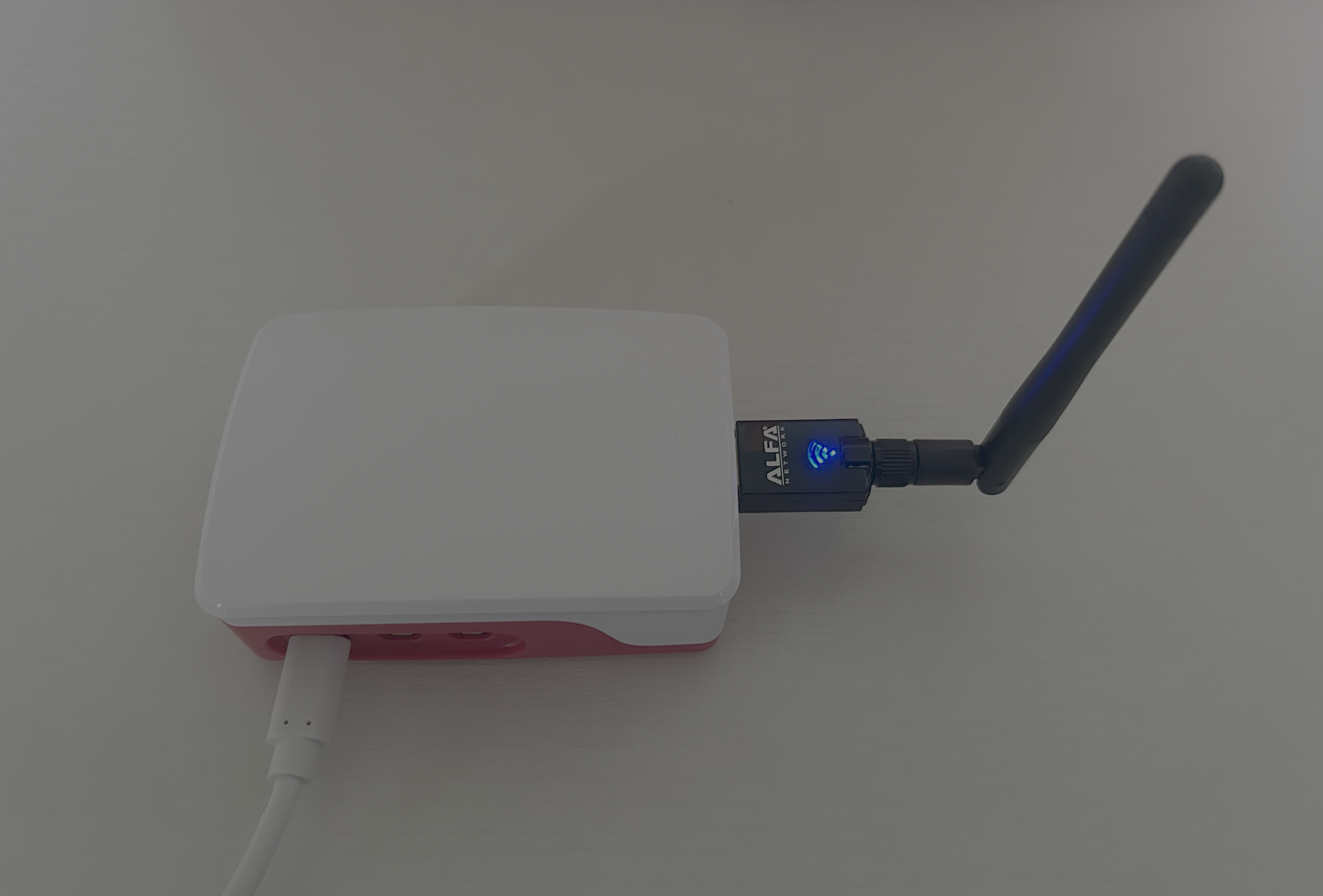
SafeHaven turns a Raspberry Pi 5 into a portable network security appliance for use in untrusted environments
such as hotels, airports, and conference venues. The Pi creates a personal WPA2 hotspot using nmcli in shared mode,
acting as a router for all connected devices. The internet uplink on wlan0 is created using the onboard wifi card,
and the Hotspot Access Point is created with the external dongle model: Alpha Network Alpha USB Adapter AWUS036ACS.
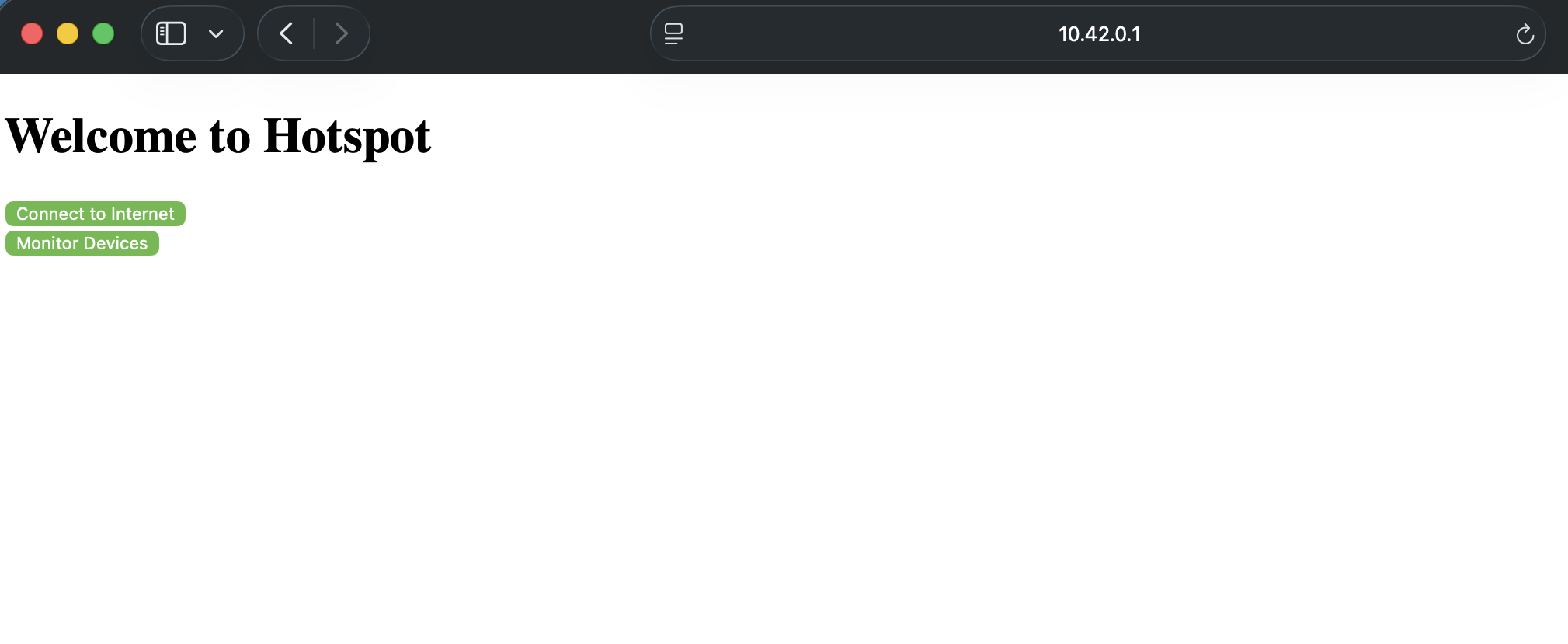
A Flask web interface — accessible from any browser on the hotspot —
handles all configuration without requiring terminal access.
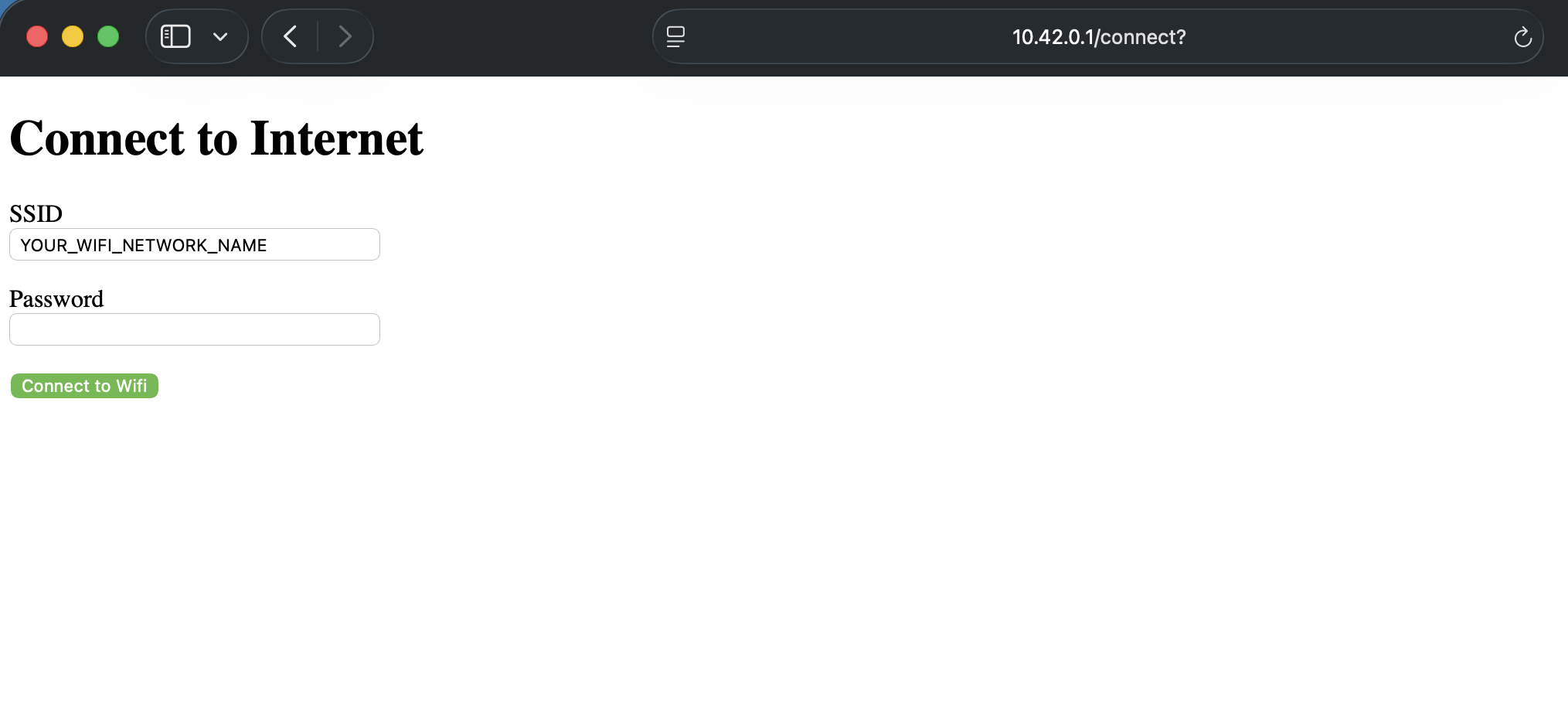
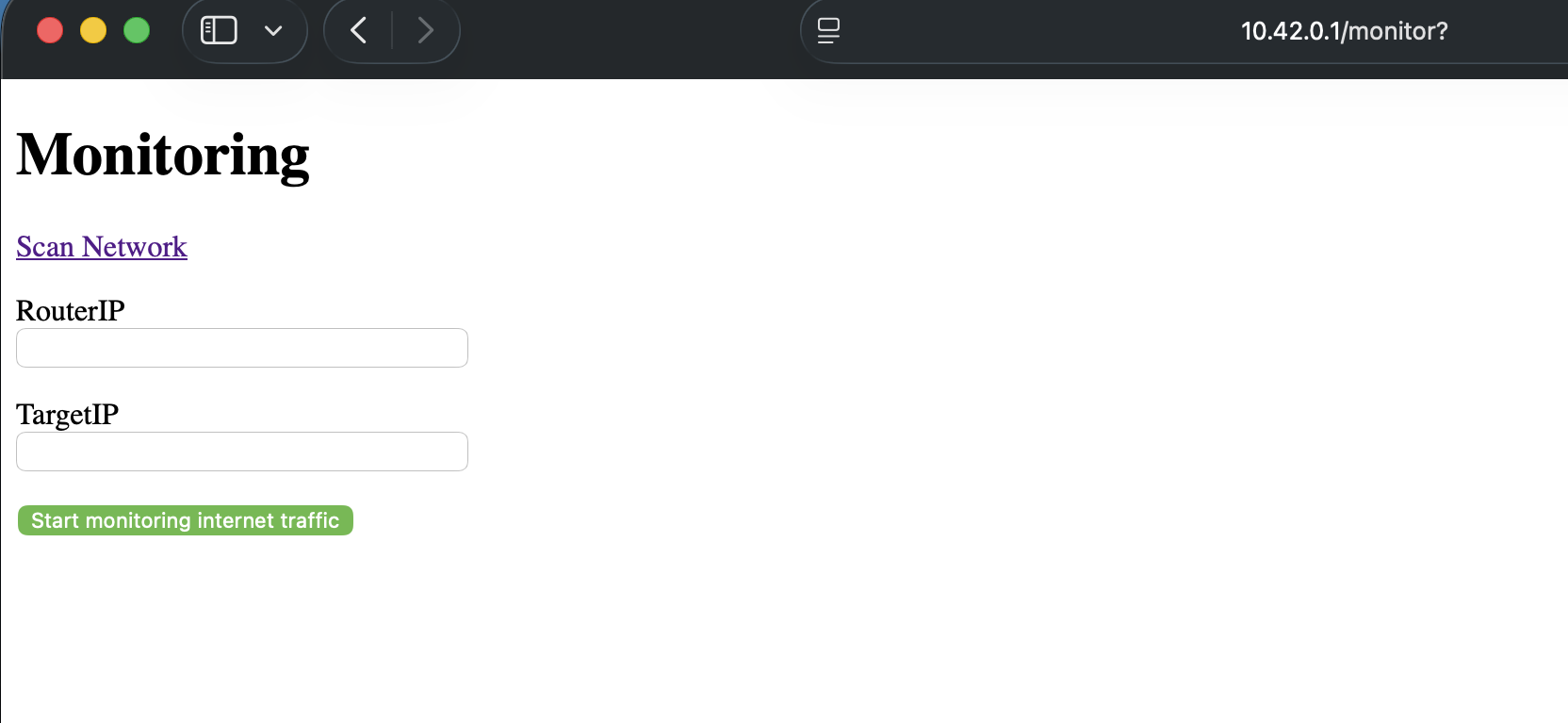
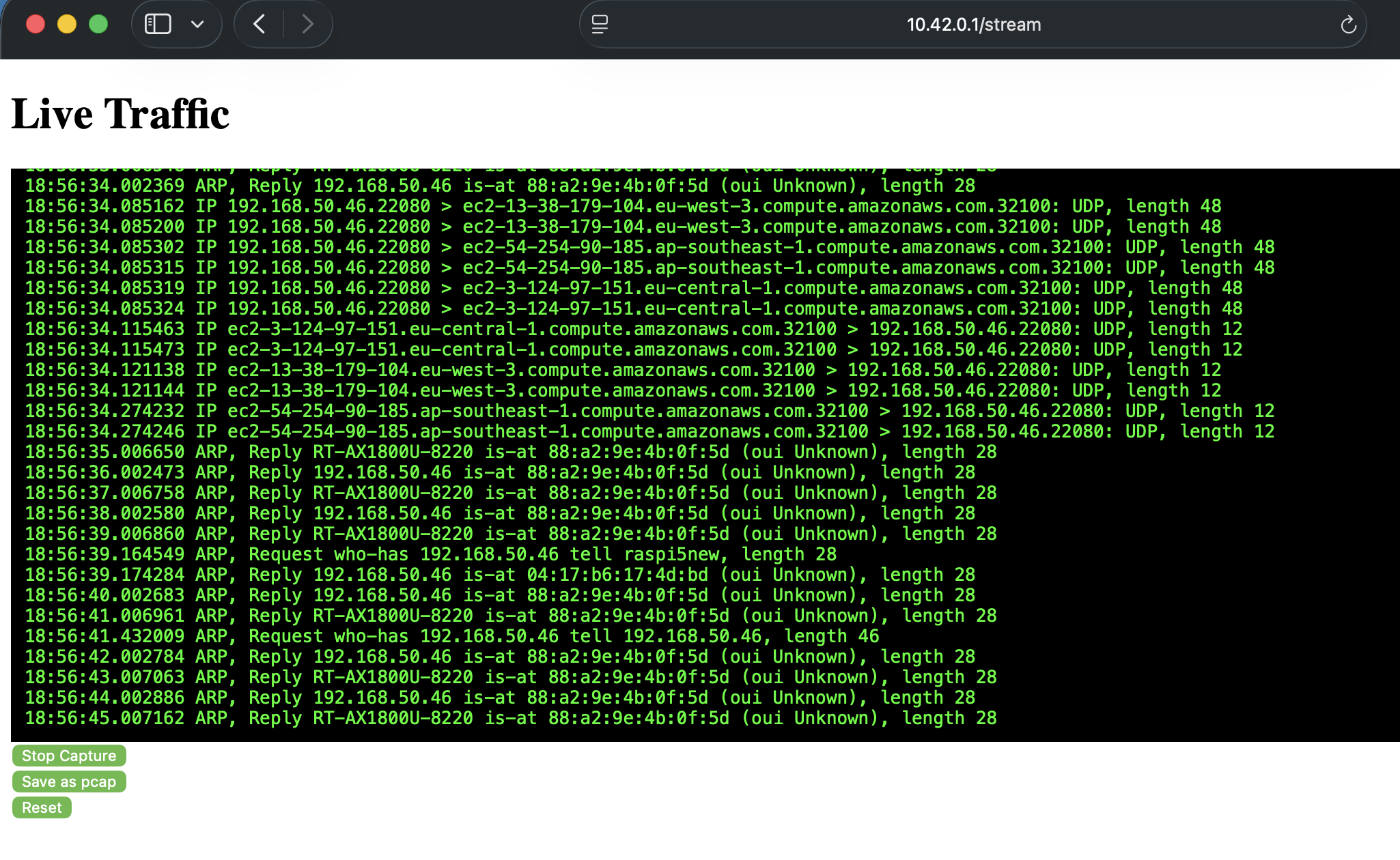
From the web UI, the user can connect the Pi to an upstream network, route all hotspot traffic through it, and optionally tunnel the connection home via WireGuard so that the untrusted network sees only encrypted UDP. A dedicated surveillance mode uses ARP spoofing to intercept traffic between a target device and its gateway, streaming live tcpdump output to the browser via Server-Sent Events and optionally saving a .pcap for later analysis.
Highlights
- Fully browser-driven — designed for mobile devices, no terminal interaction required
- ARP intercept with live traffic stream via SSE and optional .pcap capture
- WireGuard tunnel to home Pi routes all hotspot traffic through a trusted connection
- Lightweight stack: Flask, nmcli, arpspoof, tcpdump — no heavy frameworks or databases
- Auto-starts on boot via systemd and NetworkManager autoconnect